

Subtitle generation
Drop in video or audio to generate subtitles through speech recognition.
Built around automated workflows with deep Final Cut Pro integration. Save repetitive steps as workflows and run them with one click.

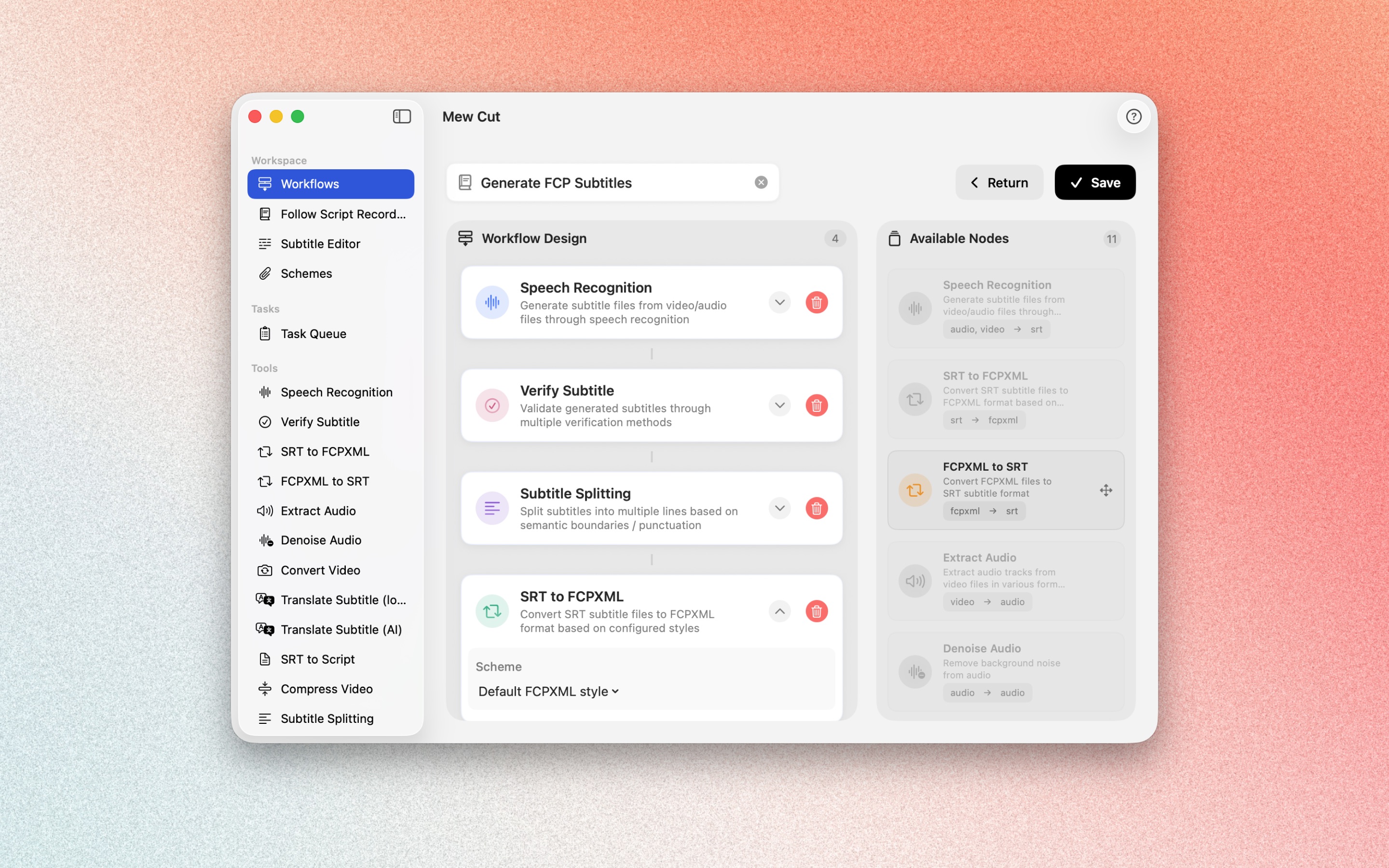
Combine speech recognition, validation, segmentation, and format conversion into saved workflows. Run them repeatedly, on one file or in batch.
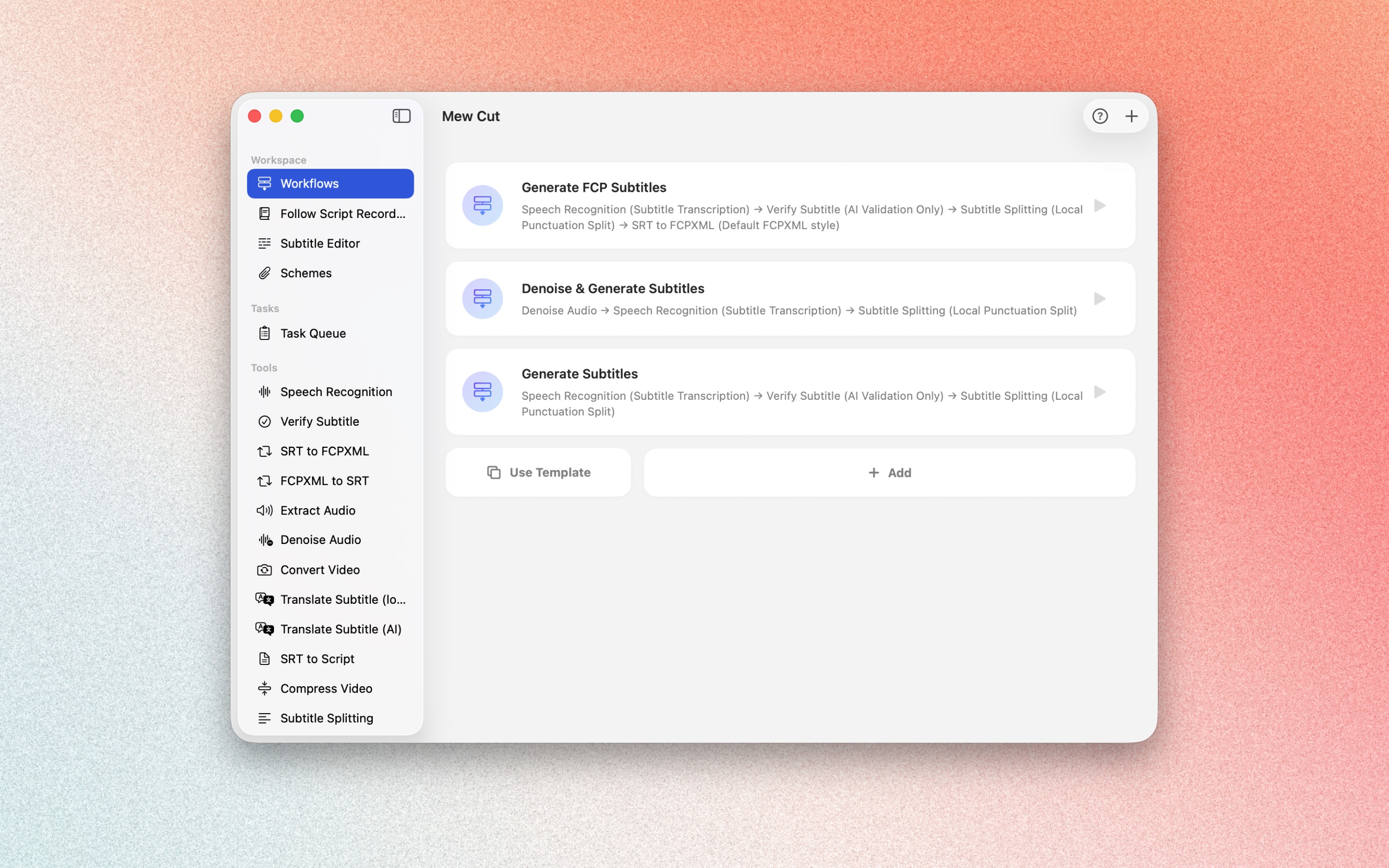
Run the same workflows inside Final Cut Pro without leaving your edit. Finished subtitles and audio go straight to the timeline.
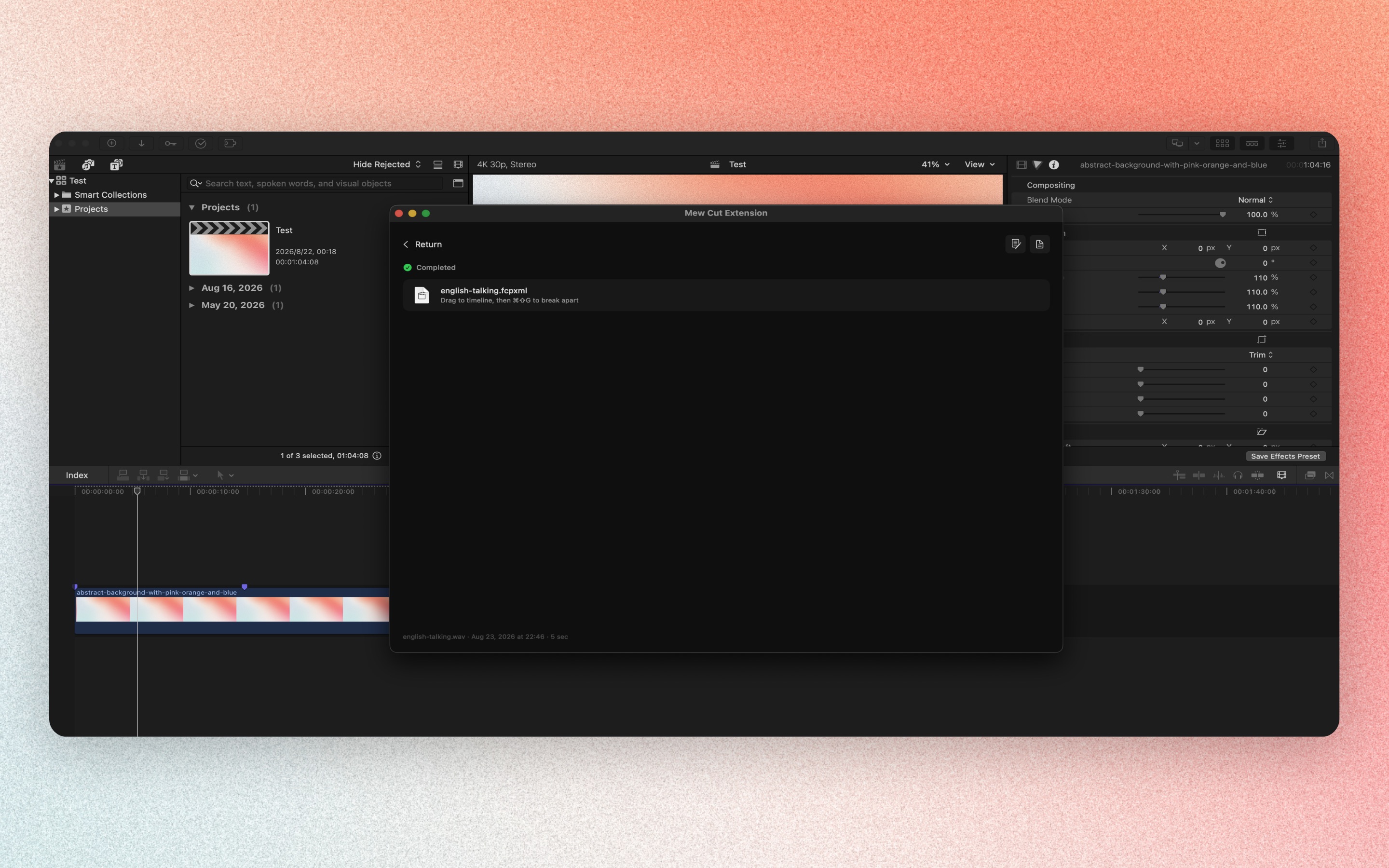
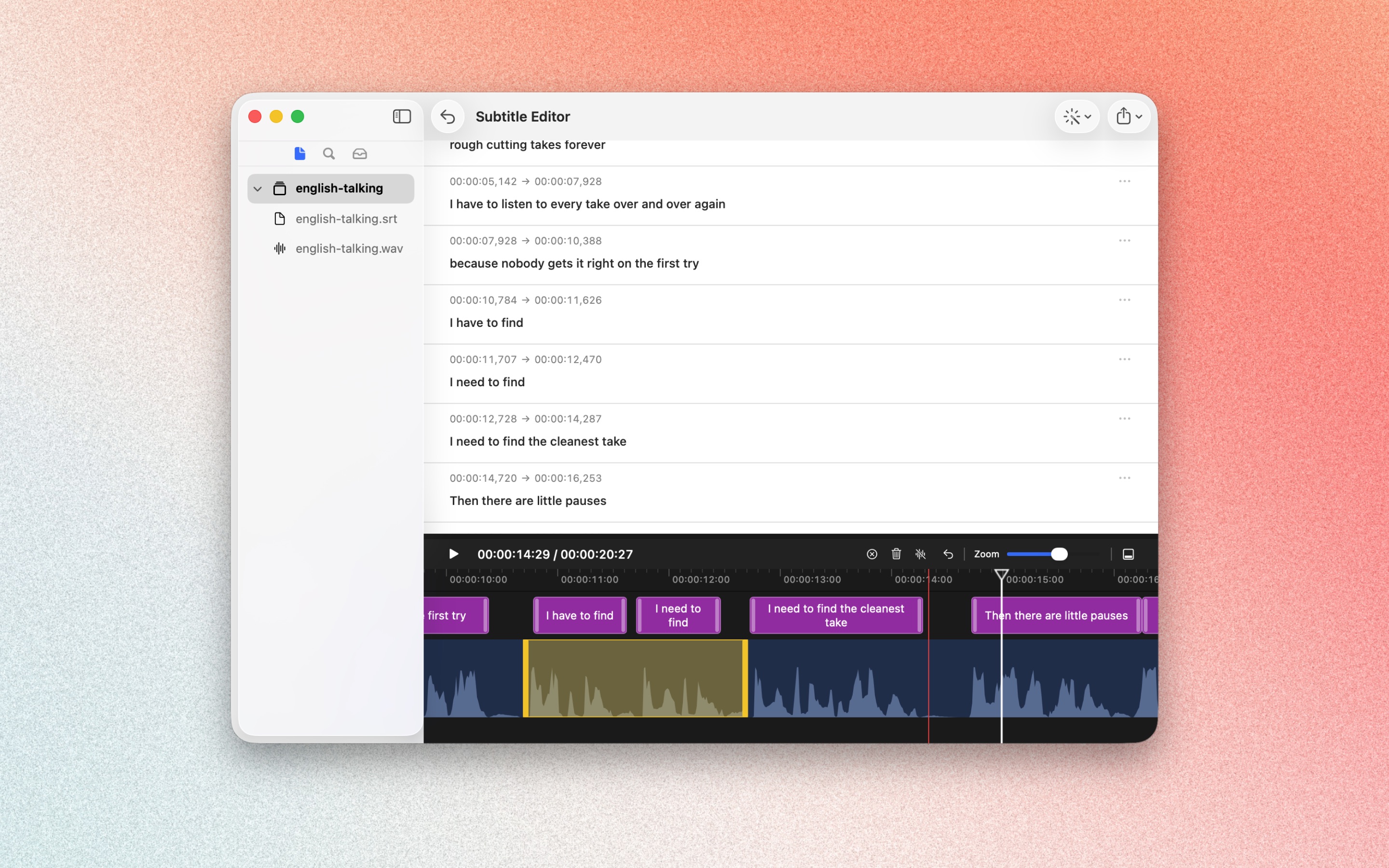
Rough-cut in the subtitle editor and export trimmed audio or video. Mark breaths and retakes for deletion. The source file is not modified.
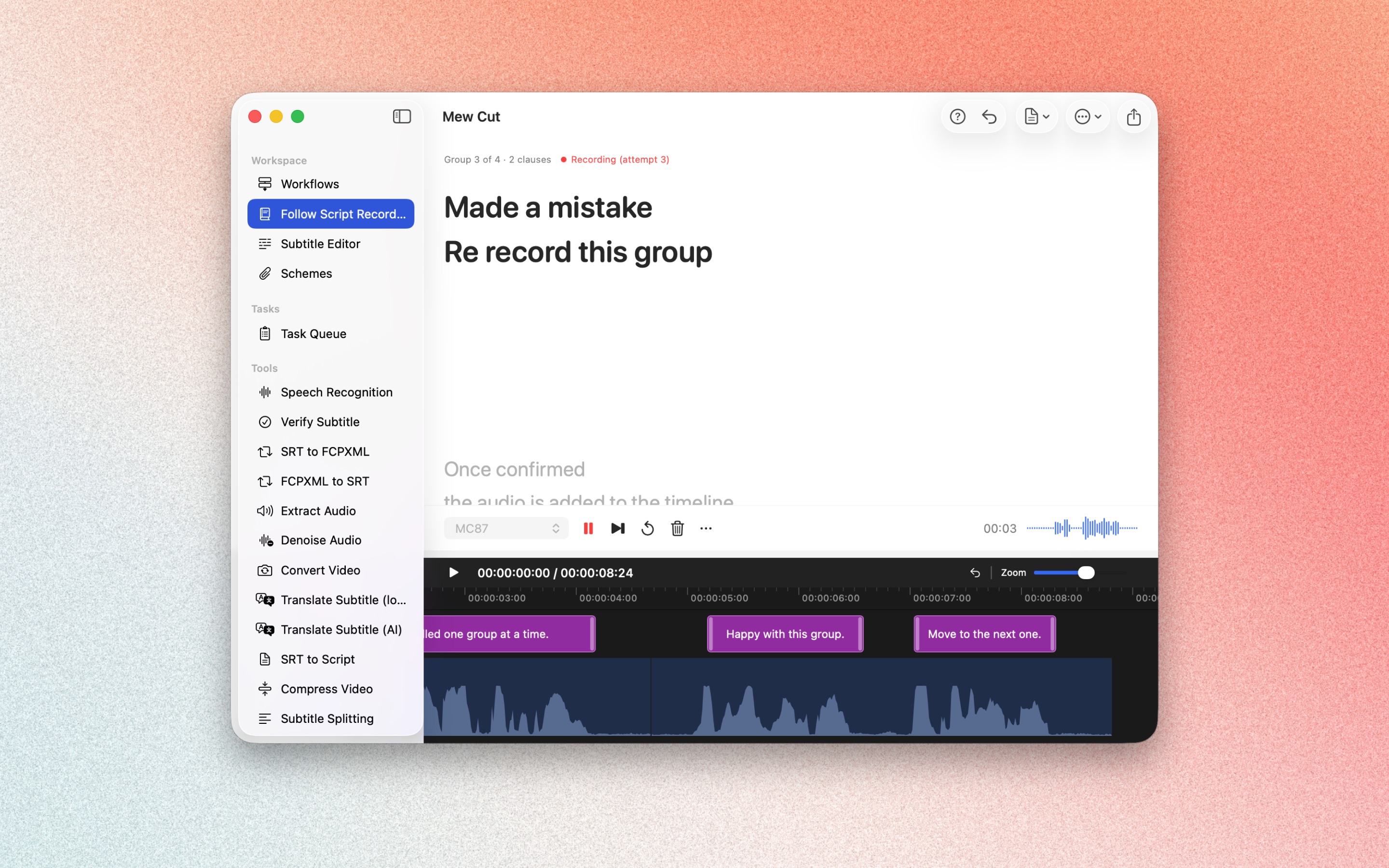
Record section by section from your script. Slip on a line? Re-record that section only and keep the best version. Organize clips on the timeline after recording.
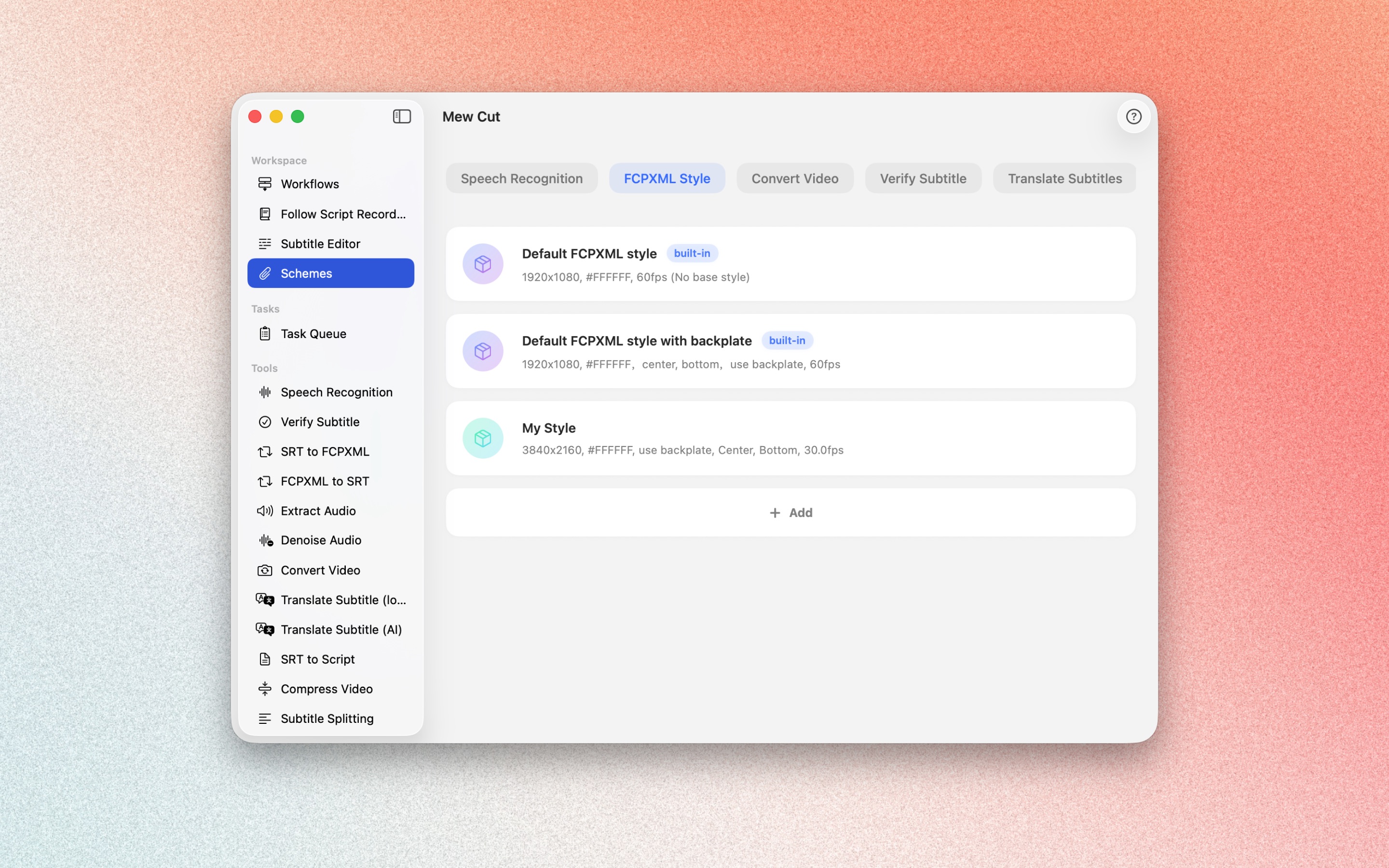
Save multiple parameter sets for validation, FCPXML styling, translation, and more. Pick the right preset per workflow. Edit once and every workflow that uses it updates.
Drop in video or audio to generate subtitles through speech recognition.

Separate speakers and generate matching subtitles. Works well for interviews and dialogue.

Reduce background noise for clearer audio and more stable recognition.

Translate subtitles to other languages, with single-language or bilingual output.
Convert between SRT and FCPXML. Plain FCPXML by default, ready to style in Final Cut Pro.
Mew Cut is a subtitle and voiceover tool for voiceover work, interviews, and projects that need subtitles in Final Cut Pro. Save speech recognition, validation, segmentation, and format conversion as a workflow, then run it again later or in batch.
Mew Cut integrates with Final Cut Pro. Run the same workflow inside your edit without leaving Final Cut Pro. Finished subtitles and audio can go straight onto the timeline.
Speech recognition, denoising, and format conversion run on your Mac by default. Media and results stay on your machine. Content only goes to the AI provider you choose when you use online features such as subtitle validation, AI segmentation, or AI translation. Leave those steps out of the workflow to stay offline.
With Follow Script Recording, you record section by section from the script. If you slip, re-record that section and keep the best take. Rough-cut in the Subtitle Editor, then export trimmed audio or video. The source file is not modified.
No. Drop audio or video into the main app to generate subtitles, translate, rough-cut, and export without Final Cut Pro. If you have Final Cut Pro, you can also run workflows from the extension and drag finished subtitles and audio onto the timeline.
14-day free trial available